Skip to content
GitHubGet in touch
Product design lead· 2017

Porto Seguro Faz+

An app that lets a technician already at a customer’s home offer, confirm and charge for extra services and parts in one visit.

CompanyPorto Seguro

Porto Seguro is a big insurance company in Brazil that sends technicians, electricians, plumbers and mechanics, to customers’ homes every day. With Mescla, a small firm I started with three friends to work with them, we came up with Faz+. While the technician is already there, they can offer an extra service or sell a battery or a part, get it confirmed and get paid in the same visit, and Porto’s back office sees all of it.

I was the product design lead. We worked closely with Porto Seguro’s management and product teams, and I did field research with the back office and the technicians, mapped the service blueprint and interviewed technicians to refine the app.

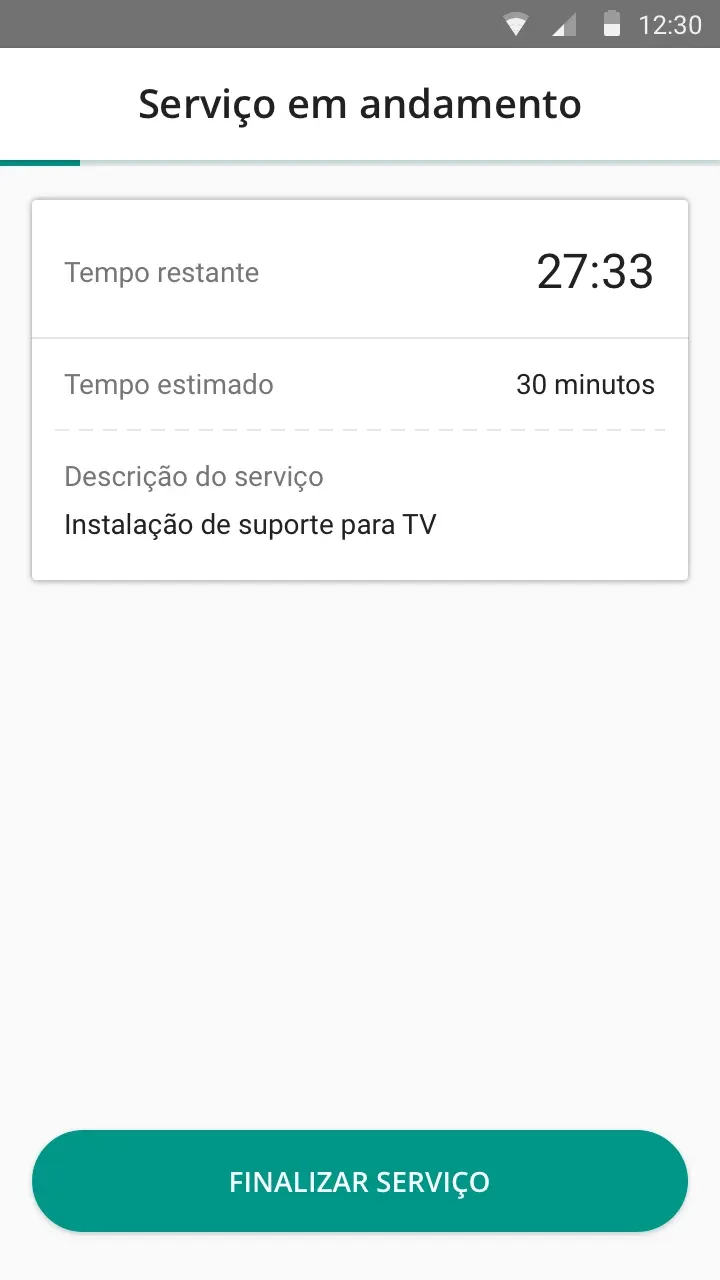
The app is for the technician, so it had to work standing in someone’s garage. The home screen asks what they want to do next. Selling a battery means scanning its QR code, adding the car’s model and plate, finding the customer by their CPF, Brazil’s tax ID, and sending a payment link by SMS. An extra service runs against a timer, so the customer and Porto both know how long it took.
Shipped
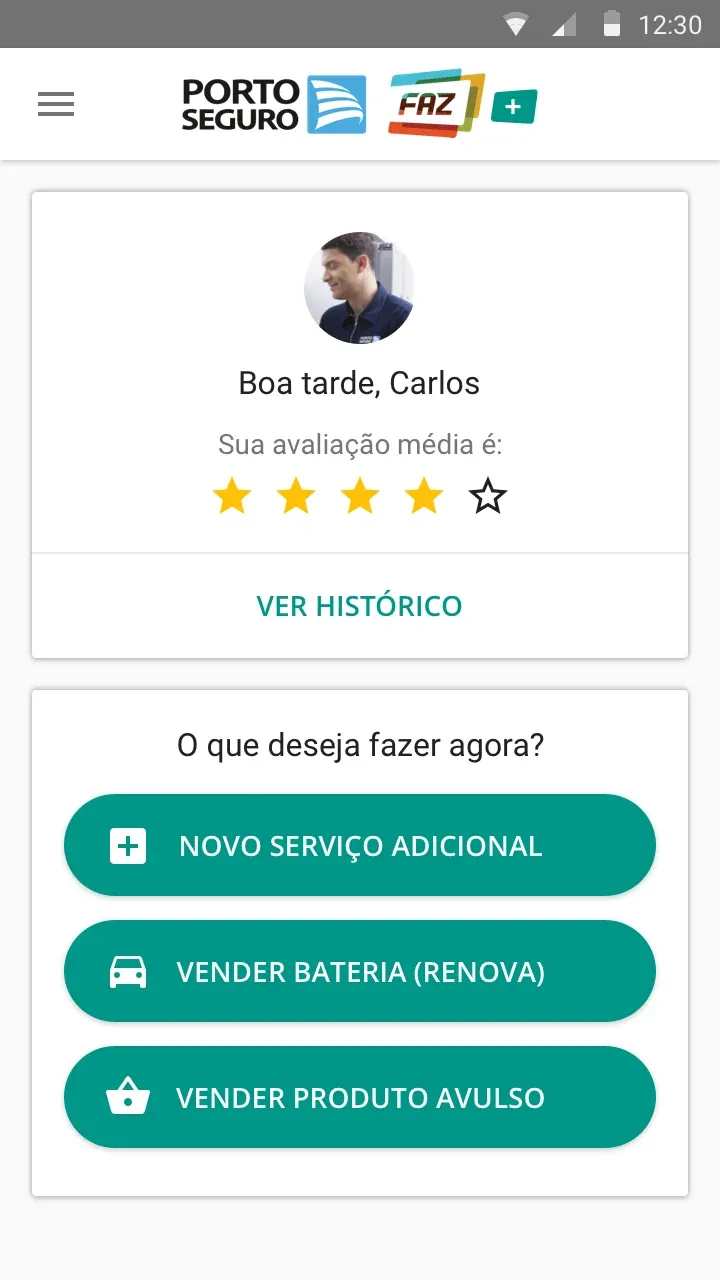
The Faz+ home. Boa tarde, Carlos, the provider’s average rating, a link to the history, and three buttons: Novo serviço adicional, Vender bateria and Vender produto avulso.
Home
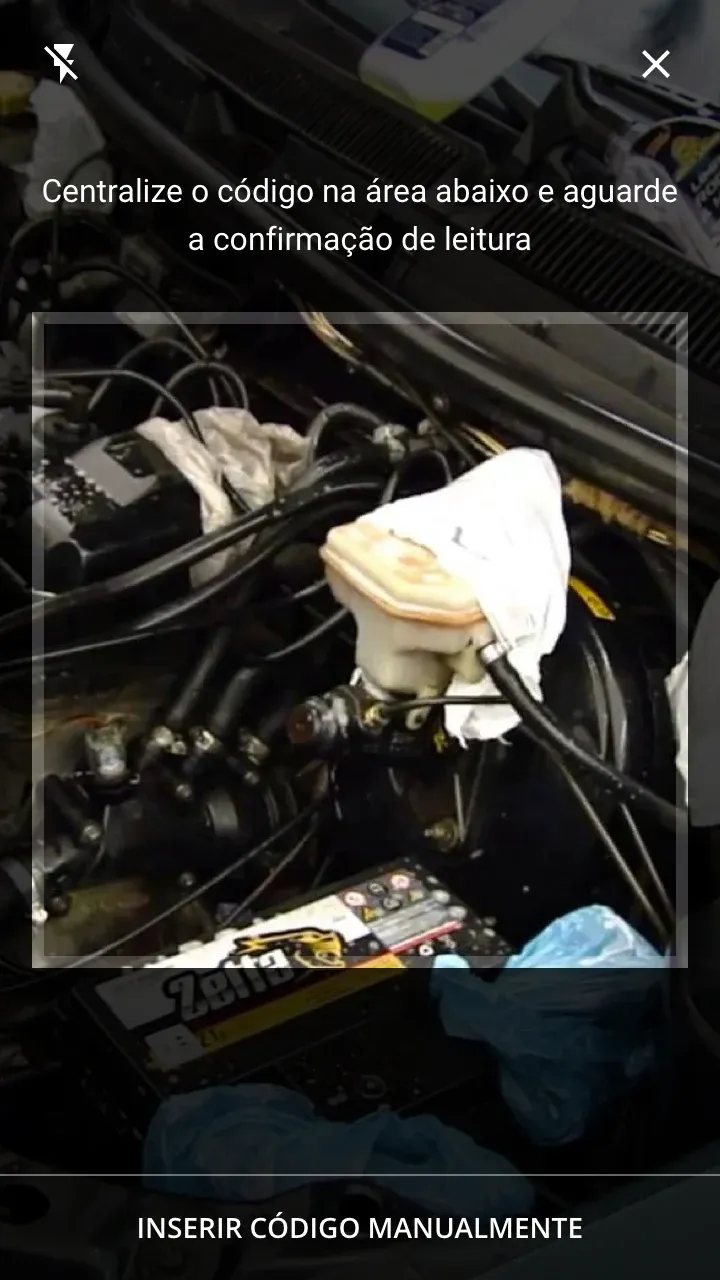
The camera view with an instruction to centre the battery’s code in the frame and wait for the reading, and a link to type the code by hand.
Scan the battery
Serviço em andamento. Time remaining 27:33 out of an estimated 30 minutes, the description of the service, and a button to finish it.
Service in progress
The provider’s home, scanning a battery’s QR code, and a service in progress with the timer running. The provider and the customer are sample data.

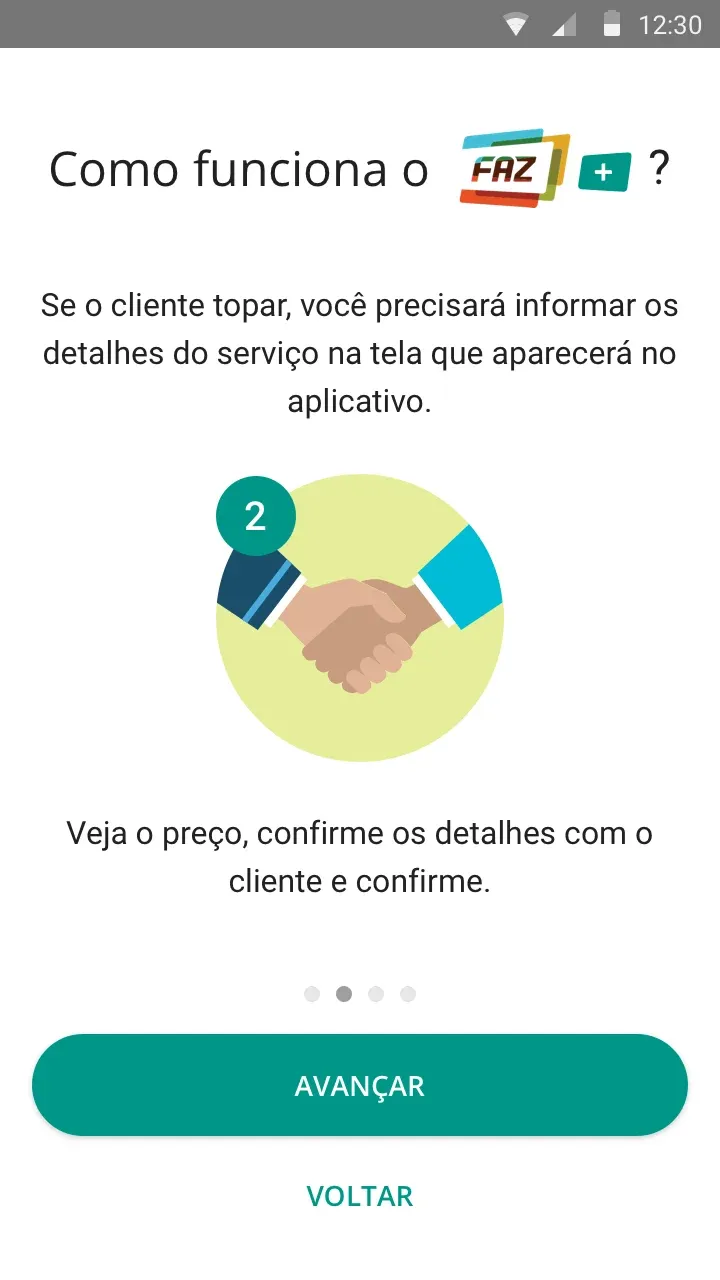
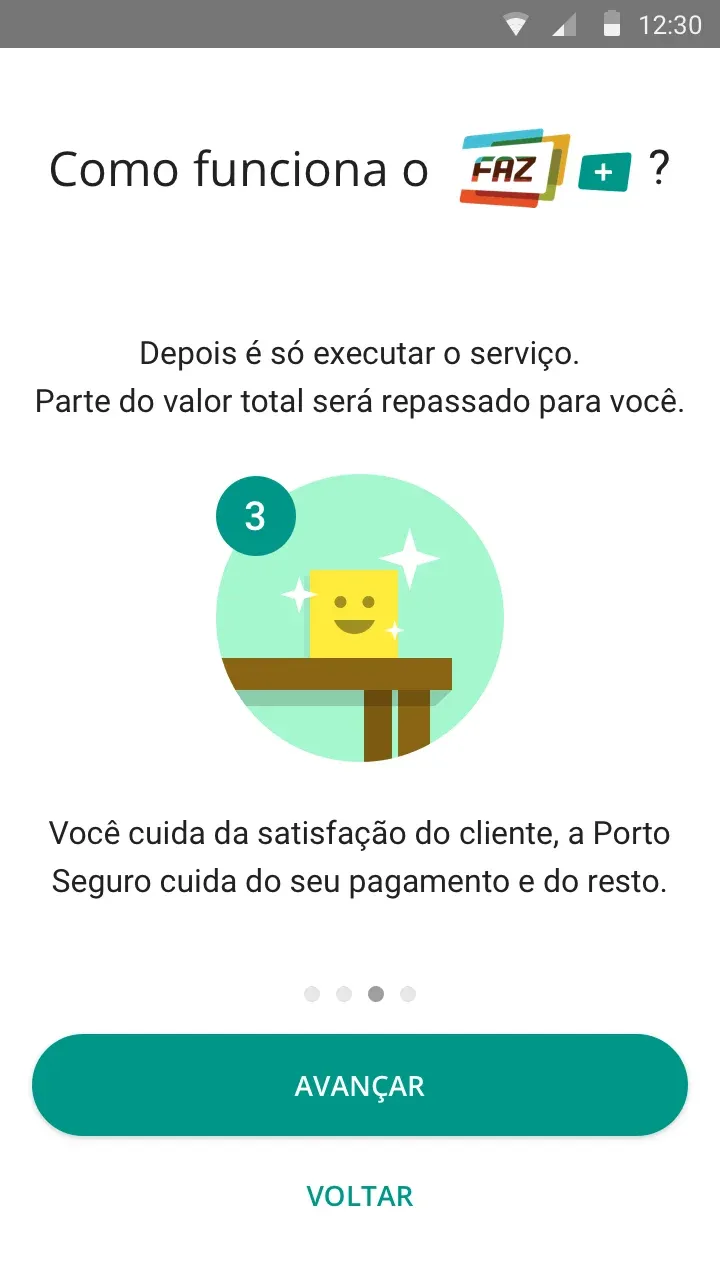
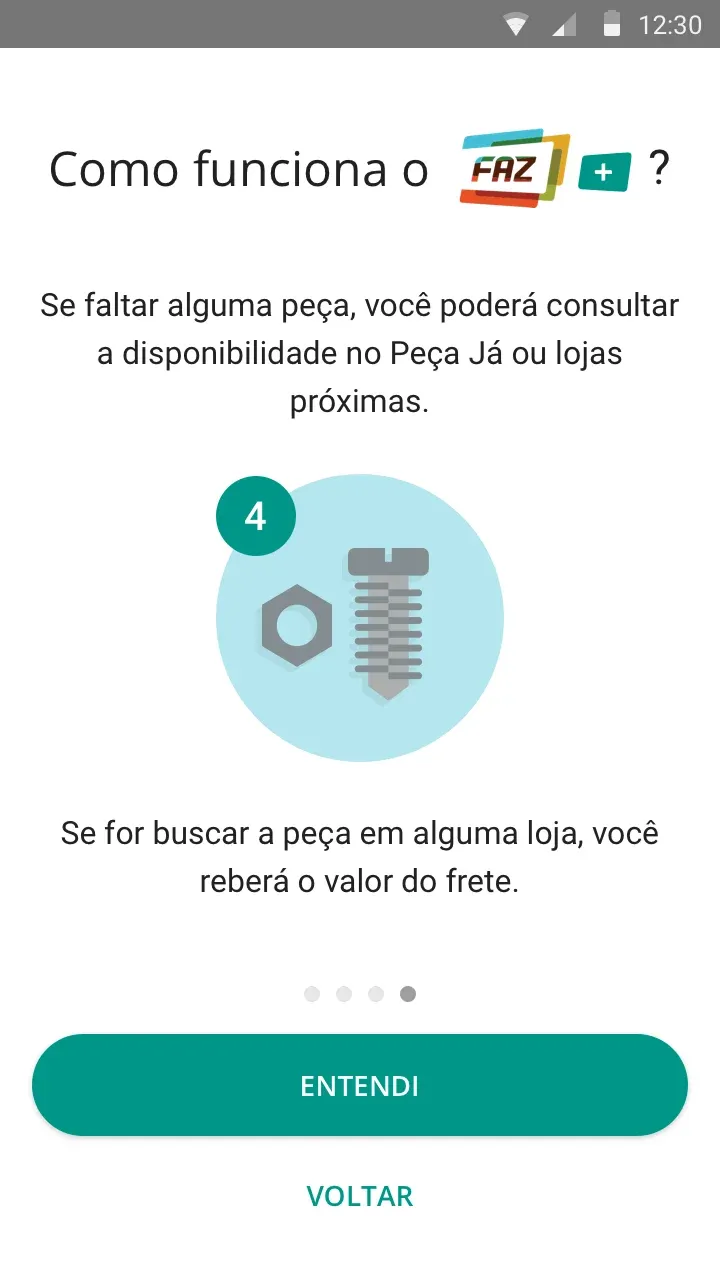
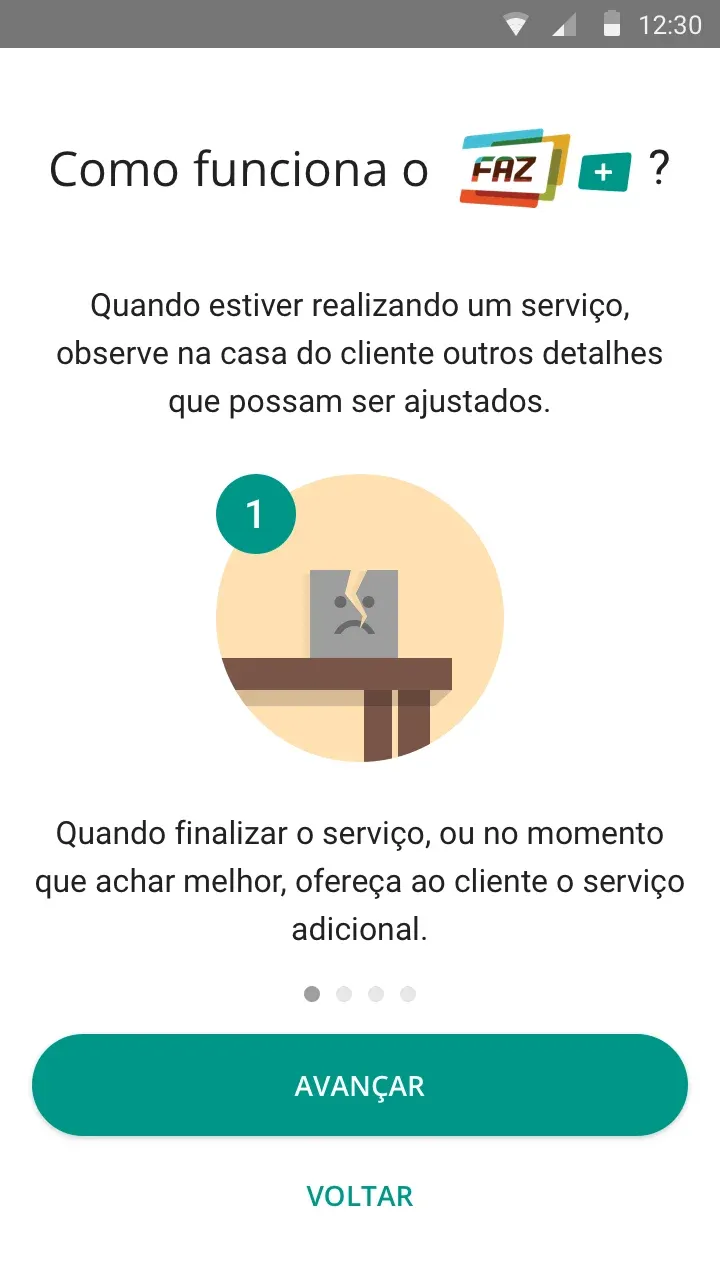
New technicians see how it works in four illustrated steps before they sign up.
Onboarding
Como funciona o Faz+, step 1. When you are doing a service, look around the customer’s home for other things that could be fixed.
1. While you’re there, notice what else could be fixed.
Step 2. Offer the extra service to the customer, right there or when you finish.
2. Offer the customer the extra service.
Step 3. If the customer agrees, enter the details in the app and they confirm the price.
3. Enter it in the app and the customer confirms the price.
Step 4. Do the service. Part of the total goes to you and Porto Seguro handles the payment.
4. Do the job. Porto Seguro handles the payment and your share.

The back office gets its own view, with the services sold, the payments and a daily chart, plus batteries, stores and technicians. Faz+ is still in use.
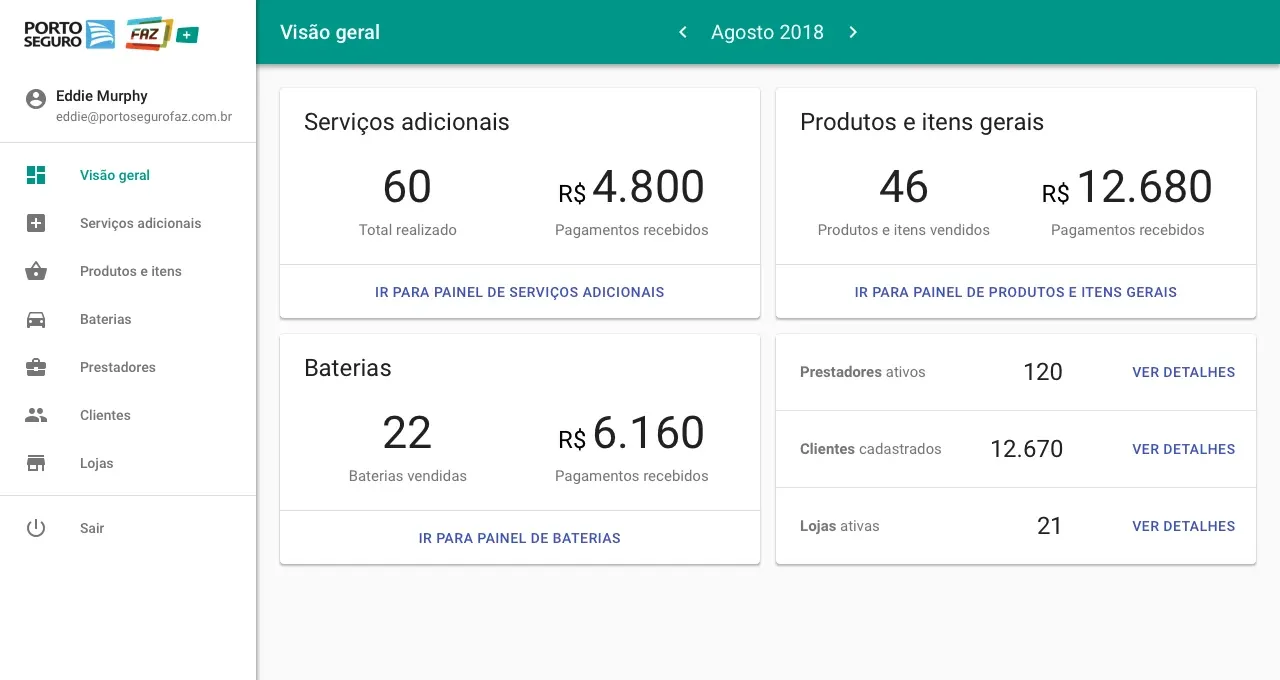
The Faz+ admin dashboard, with a month picker at the top. Extra services, products and batteries sold, each with the count and the amount paid, and the number of active providers, customers and stores.
The admin dashboard, at 1280. What was sold, what was paid out, and how many providers and stores are active.
Next in the archiveVivaReal geosearchOn VivaReal’s search squad, I designed search by street or landmark and a map view. Both shipped.Read it →